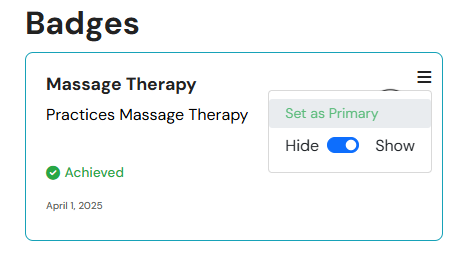
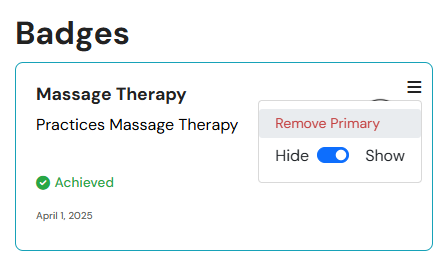
Learn how to manage your badges and milestones on your provider card
Updated less than a month ago
Your provider card serves as a condensed version of your client portal, appearing in the search results on the Materia+ Marketplace. Each provider has the option to showcase up to 4 selected badges and or milestones on their provider card.
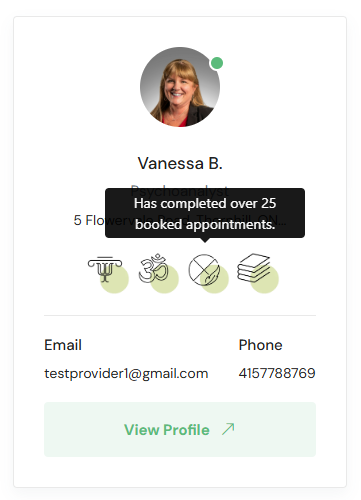
The badges and accolades displayed on your card are marked as "Primary." To assign or remove the "Primary" status of a badge or milestone, visit the Badges & Milestones page, locate the desired badge or accolade, open its menu, and select Set As Primary or Remove Primary.